
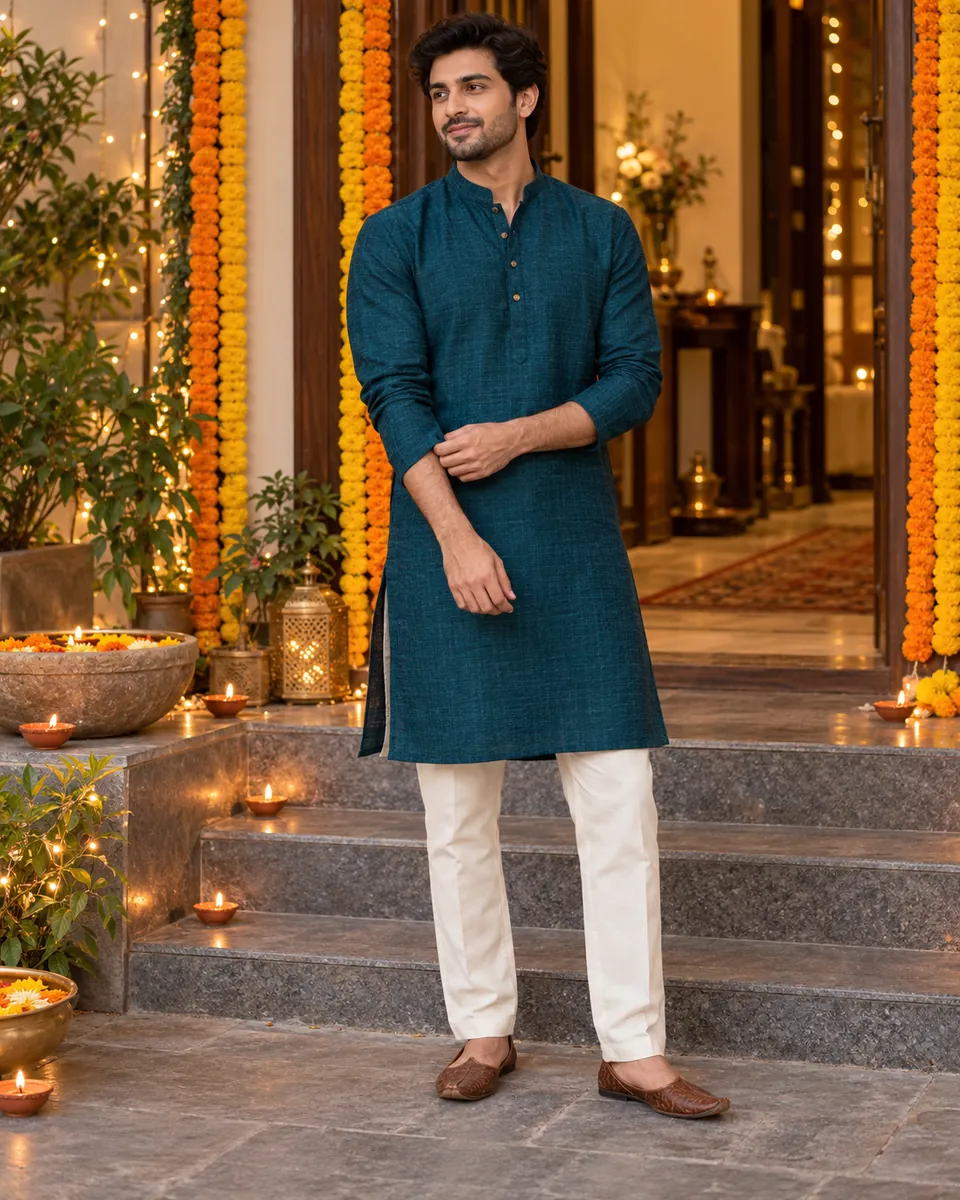
You get dressed for Diwali, check the sleeves once and step outside before the family calls you back in. That small action makes a more natural outfit picture than standing stiffly with both hands in your pockets. This Diwali AI photo prompt for boys builds a full outfit portrait around a teal kurta, ivory trousers and brown mojari shoes.
Use this as a starting point for a personal festive edit, then adjust the details that matter to you. The featured example was made with ChatGPT image generation using original adult models. It is an AI-created scene, not a photograph from a real celebration. Reference-face matching can vary.
Copy the Diwali AI photo prompt for boys
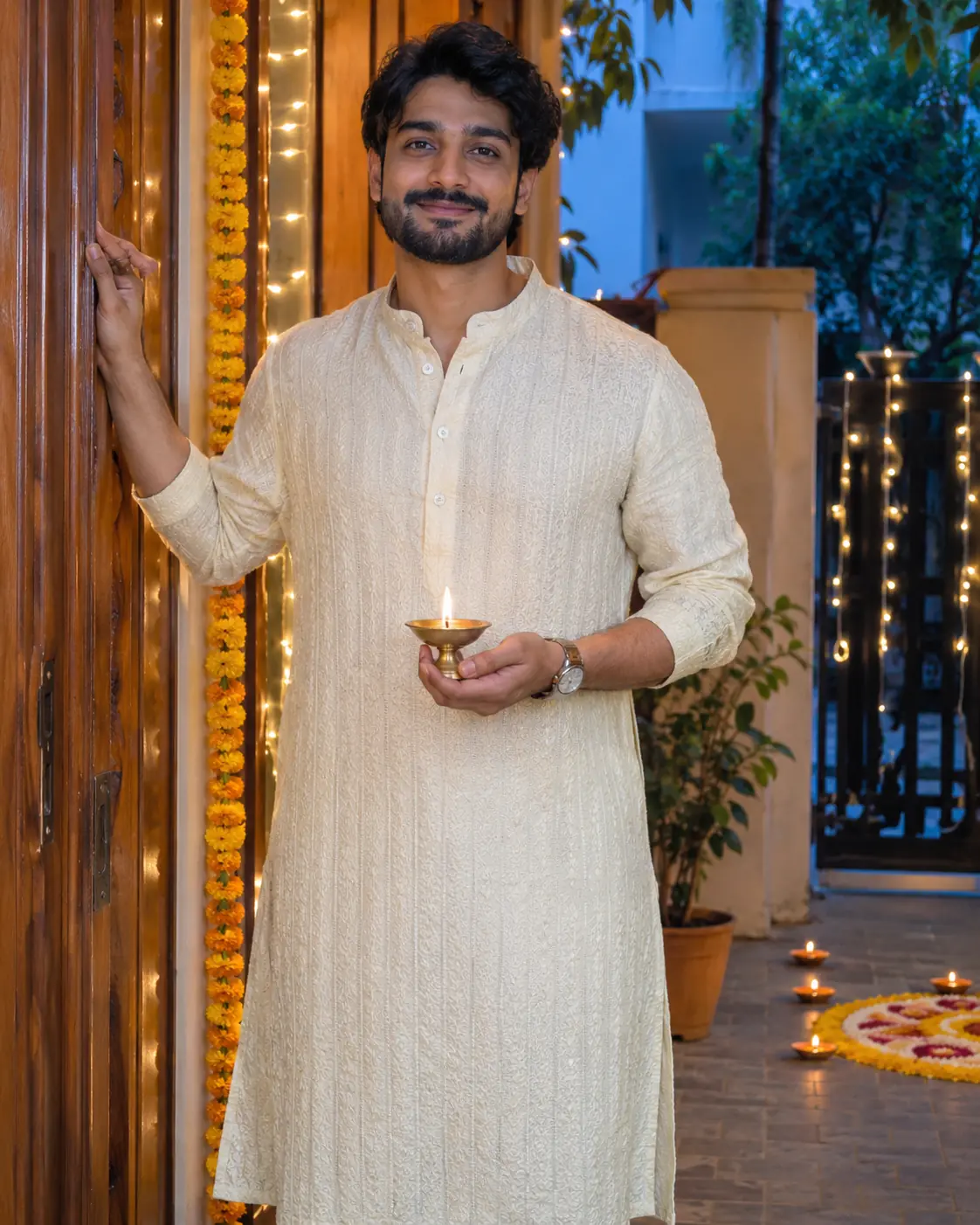
Photograph one adult Indian man in a believable Diwali home-entrance scene, vertical 4:5 full-body composition. Use an uploaded reference to preserve his individual face, actual age, hair, facial hair and natural skin tone; if no photo is supplied, use an original adult model. He wears a deep teal woven kurta with subtle texture, off-white straight trousers and brown leather mojari shoes. He stands comfortably with weight slightly on one leg, gently adjusting a sleeve cuff with the other arm relaxed into a natural position. Give him a slight easy smile and a gaze just beside the camera. Keep both hands anatomically clear with correct fingers. Include marigold doorway garlands, a few clay diyas on low stone steps away from the clothes and understated fairy lights at dusk. Show the entire head and both shoes with space around them, straight doorway lines, realistic trouser length and natural fabric folds. Soft warm light on the face, detailed teal fabric, natural skin, realistic proportions. No fireworks, dramatic smoke, sunglasses, text, logo or watermark.Image ratio: 4:5 vertical. Example tool: ChatGPT image generation. Use consenting adult references for personal edits.
Start with a sleeve adjustment
A small cuff adjustment gives the hands a reason to be in the picture. Keep the elbows loose and the movement subtle. The shoulders should remain level, with the body resting comfortably rather than leaning hard against the doorway.
If the editor tangles the wrists, simplify the pose: one hand lightly touches the opposite cuff, with the second forearm clearly visible. Check that the sleeve ends at a believable wrist position and does not cover most of the hand.
Use the right reference for a full outfit
Choose a clear face reference with the hairstyle and facial hair you want to keep. A separate outfit image can help if your editor supports it, but label it as clothing only so its model does not replace your identity.
Do not judge identity from a tiny preview. Zoom in on the face after generating. Compare the brow, nose, jaw and beard line. Ask to preserve the original age and facial proportions if the tool produces a polished face that no longer looks familiar.
Make the kurta fit believable
The teal kurta should hang from the shoulders with a little room through the body. Watch the seams, collar and button line. A fitted outfit still needs small folds near the elbows and waist, rather than a painted-on surface.
Keep the trousers straight and off-white. They should end naturally near the shoes without swallowing them in a heap of fabric. If the kurta turns bright blue, request a deeper teal with visible woven texture and restrained highlights.
Keep both mojari shoes in the frame
Full-body images often lose a shoe at the bottom edge. Ask for space below both feet and a level camera. The doorway should stay straight, and the head should not look much larger than the lower body.
Compare the two shoes for shape and size. They need a believable sole and contact with the floor. If a shoe floats or points backwards, correct the foot placement before adding more decoration or changing the background.
Let the doorway support the outfit
Marigold garlands and a few diyas give enough festive context. Keep the steps simple so the feet are easy to read. A bright row of lights should not cut across the face or hide the kurta collar.
Use soft light on the face and quieter lights behind it. If the skin becomes orange, ask for natural skin tones with a warm festive background. Avoid heavy smoke effects; they can hide the trousers and destroy the clean outfit silhouette.
Generate one version and compare
Paste the prompt into an image editor, add the reference photo if supported and choose a vertical ratio. Check identity first, then the cuff pose, kurta fit and shoes. Change one problem at a time so the good details stay consistent.
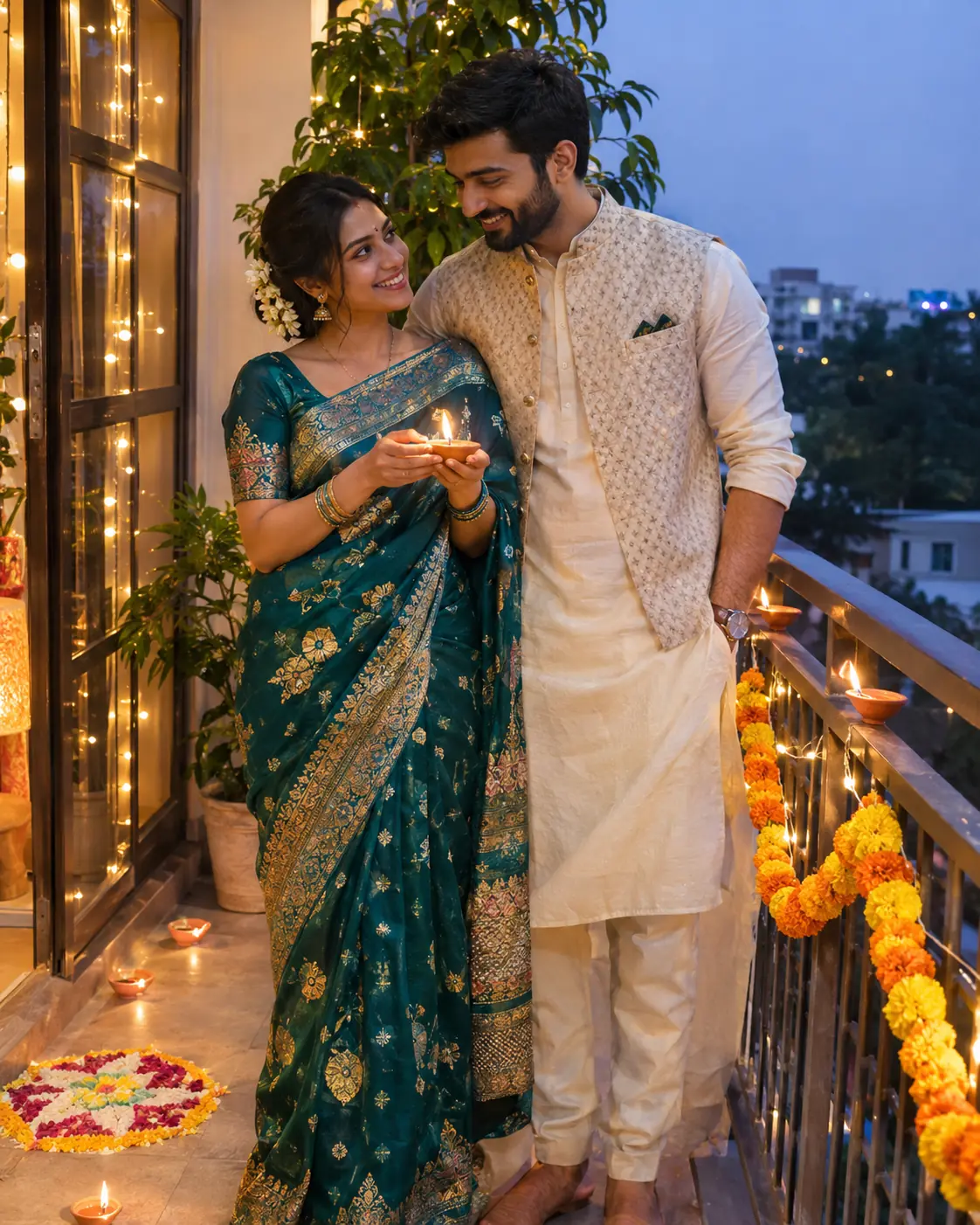
For another colour, compare our black kurta festive portrait prompt. If you are planning a photo with your partner, the festive couple kurta and saree guide uses a different shared composition.
Before you share the picture
Look at the final image at phone size. The face and outfit should remain clear without zooming in. Leave room around the shoes, keep the head inside the crop and avoid cutting through either hand.
Describe the image as an AI edit, especially when the scene was generated rather than photographed at home. Keep the result that has natural proportions and recognisable features, even if another version has more lights.
Using this prompt in your image editor
The example on this page was generated with ChatGPT. If you prefer Gemini, Google’s official image generation and editing guide explains the supported upload process. Available features depend on the account; the same prompt may produce different results in different tools.
Save the version with clear faces and believable details rather than the one with the most decoration. A natural expression, clean fabric and a simple background usually make a stronger small-screen portrait than several competing effects.



4 thoughts on “Diwali AI Photo Prompt for Boys: Teal Kurta and Mojari Look”