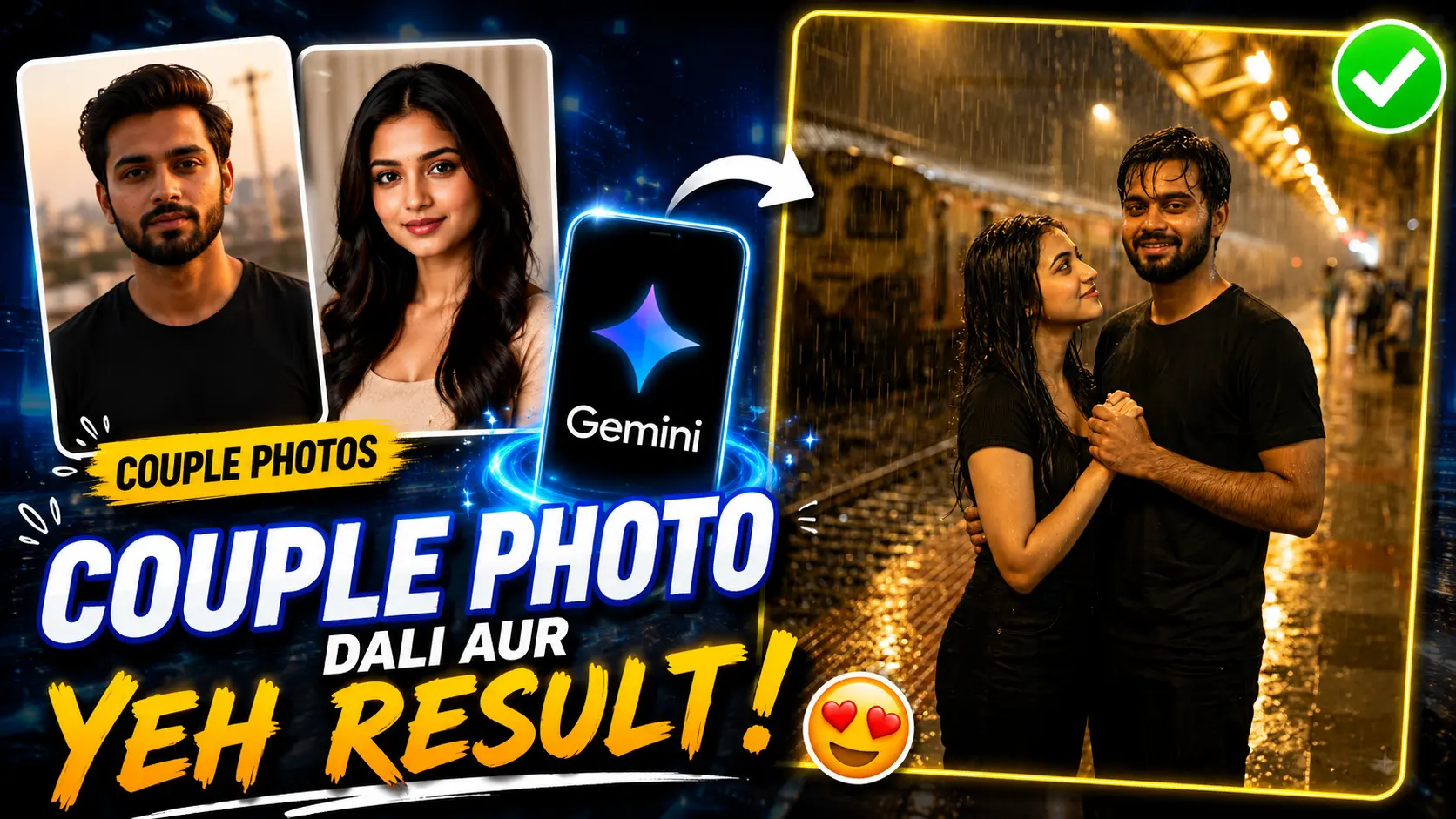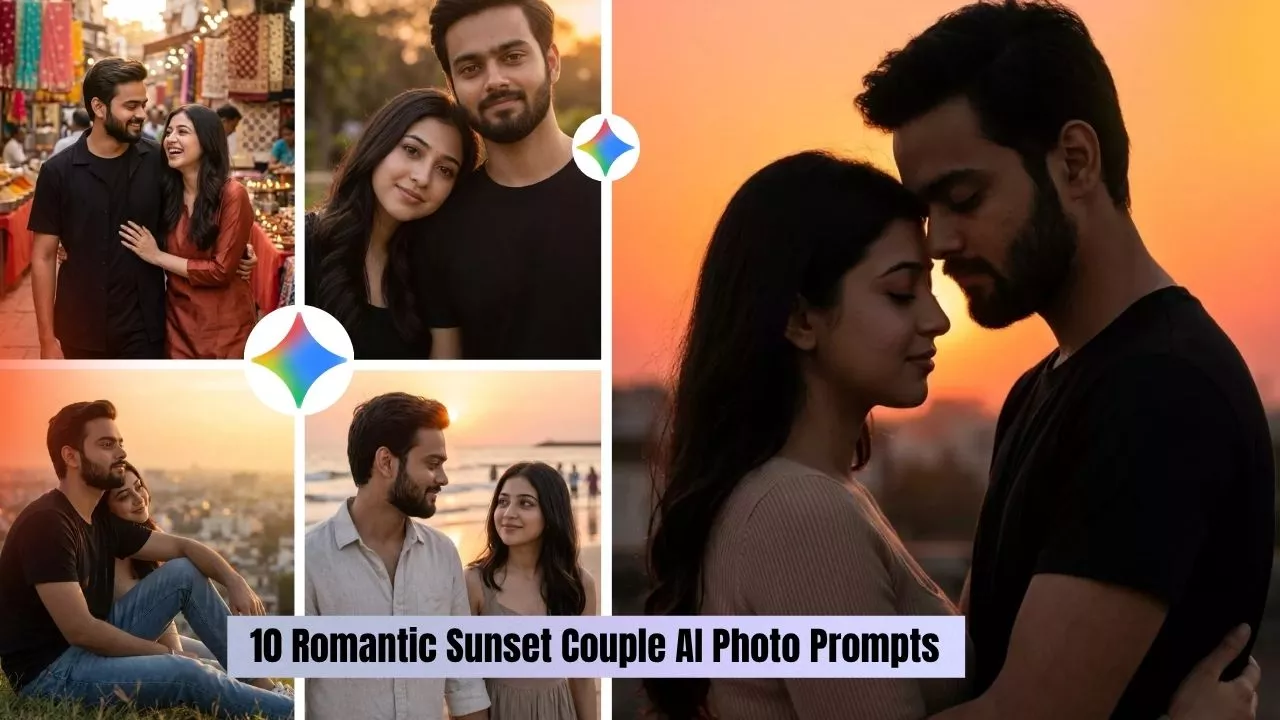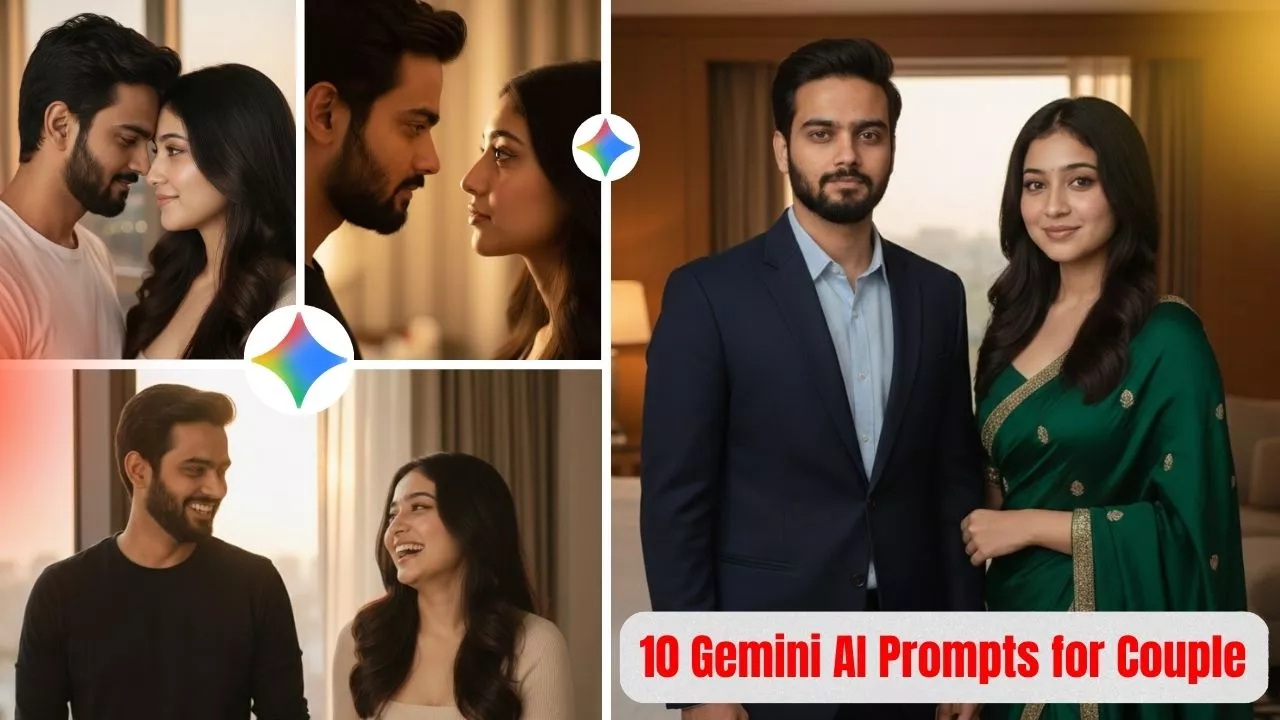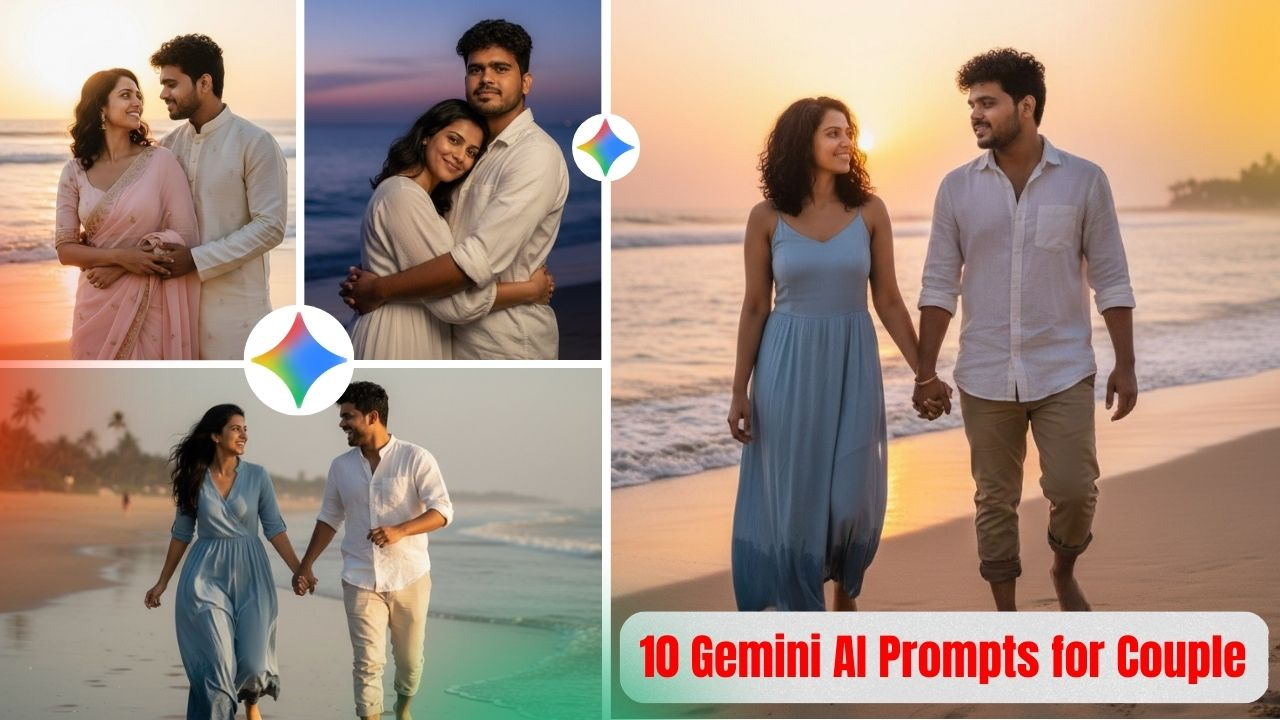
A few months back, I came across a reel on Instagram. A couple standing under a streetlight, rain falling around them, that warm Bollywood-ish glow in the background. It looked cinematic. The kind of frame you’d expect in a Shah Rukh Khan movie, not an AI-generated image.
I immediately wanted to recreate it on Gemini.
First attempt was terrible. The couple looked pasted onto the background, rain looked like TV static, and the faces were completely off. I spent close to two hours tweaking the prompt before I finally figured out what actually makes a rain scene work.
This post is that experience — what went wrong, what I changed, and the exact prompt that finally worked.
Why Rain Prompts Are So Hard to Get Right
Most people type something like “romantic couple in rain” and are confused when the result looks fake. The issue is that rain is genuinely one of the hardest environments for AI to render properly.
To look real, a rain scene needs several things to come together at the same time — wet skin and hair texture that actually looks drenched, light reflecting naturally off wet surfaces, rain streaks that feel organic rather than drawn on, and facial expressions that match the mood of the scene.
If your prompt doesn’t address these things directly, the AI fills in the gaps on its own. And it usually fills them in wrong.
Breaking Down What Makes This Prompt Work
Every detail in this prompt is there for a reason. Here’s what each one does:
“Cobblestone road with puddle reflections” This single detail changes everything about the background. Puddle reflections create that mirror-like effect you see in professional rain photography — the kind that makes a scene feel like it belongs in a film, not a stock photo library.
“Warm yellow streetlight from behind” Backlit rain is what produces that glowing, dreamlike quality. Without specifying the light direction, Gemini defaults to flat frontal lighting, which completely kills the atmosphere.
“Wet hair, natural skin” Without this line, AI will keep the hair perfectly styled even in a rainstorm. It looks unrealistic every single time. This forces the model to actually render a wet, natural look.
“Shot on 85mm lens, f/1.4” This is what creates the shallow depth of field — the background blur that makes the couple stand out from the scene. It gives the image that professional photography feel rather than a flat AI render.
Which Platform Works Best for This
I tested this prompt across three tools:
Gemini 2.5 Pro gave the best results by a clear margin. Rain texture looked the most realistic and the lighting came out closest to what I had in mind.
Midjourney v6 was very cinematic, but faces sometimes drifted away from the reference photo.
Kling produced decent results but the lighting felt slightly flat compared to Gemini.
If you want to try this prompt, start with Gemini 2.5 Pro.
How to Use This Prompt
- Open gemini.google.com and start a new chat
- Select Gemini 2.5 Pro
- Upload a clear, front-facing reference photo first
- Paste the prompt and generate
- If the first result isn’t great, regenerate two or three times — rain scenes vary a lot between generations
Mistakes That Will Ruin Your Output
Using a blurry or dark reference photo. Gemini needs a clear face to preserve identity. A bad selfie will give you a completely different person.
Not including “no artificial look” in the prompt. Without this, Gemini sometimes adds an over-processed or painterly finish to rain scenes.
Giving up after the first generation. Rain prompts almost always need two or three tries. The first result is rarely the best one.
Variations Worth Trying
Once you get a solid result with the base prompt, small changes can completely shift the mood:
- Swap “cobblestone road” for “railway platform” for a different, more nostalgic feel
- Replace “yellow streetlight” with “neon signs” for an urban, cyberpunk vibe
- Add “light fog in background” for extra cinematic depth
The core structure stays the same — you’re just changing the setting around it.
If you try this and get a result you’re happy with, drop it in the comments. Every face produces a different output with the same prompt, and that part genuinely never gets old.