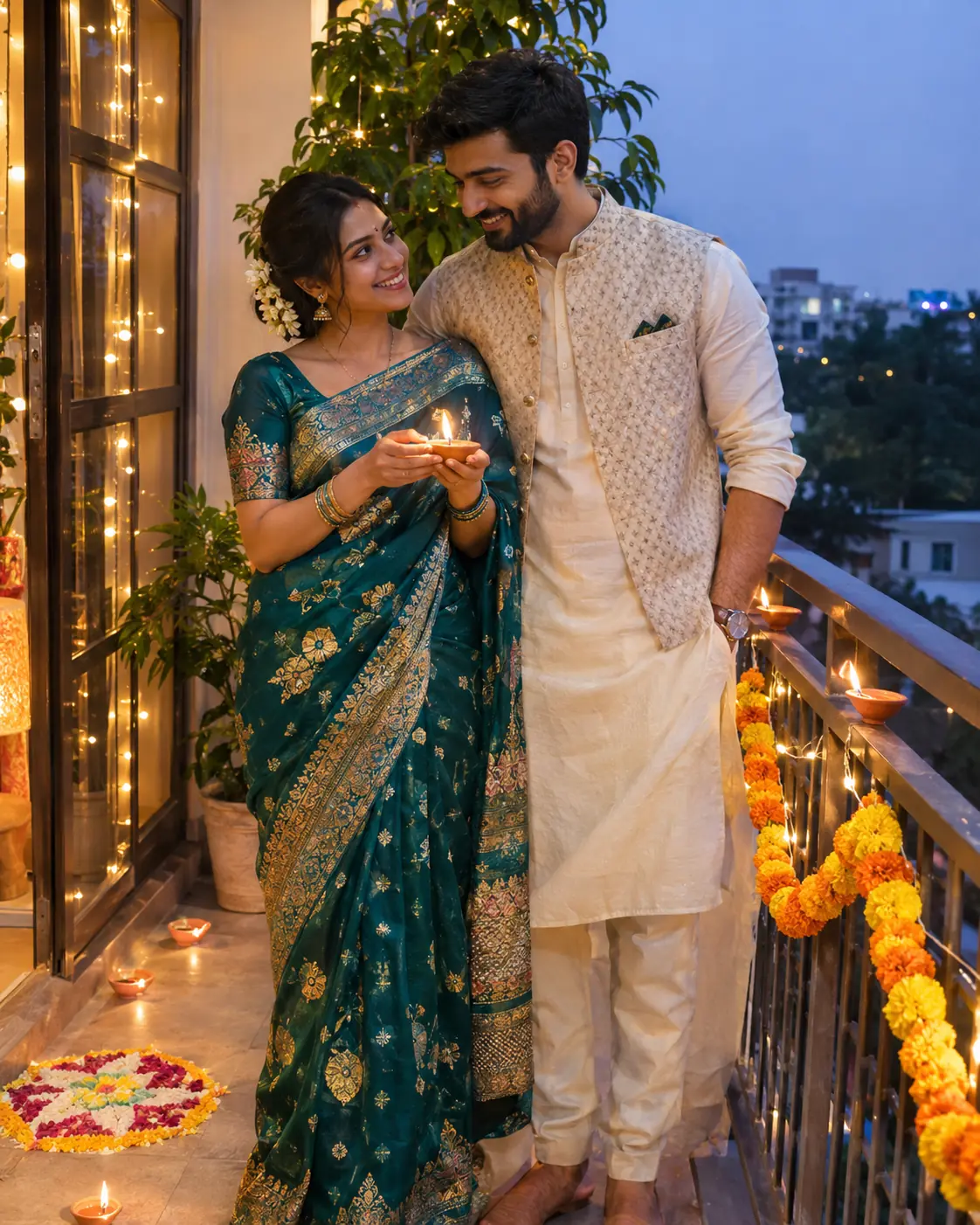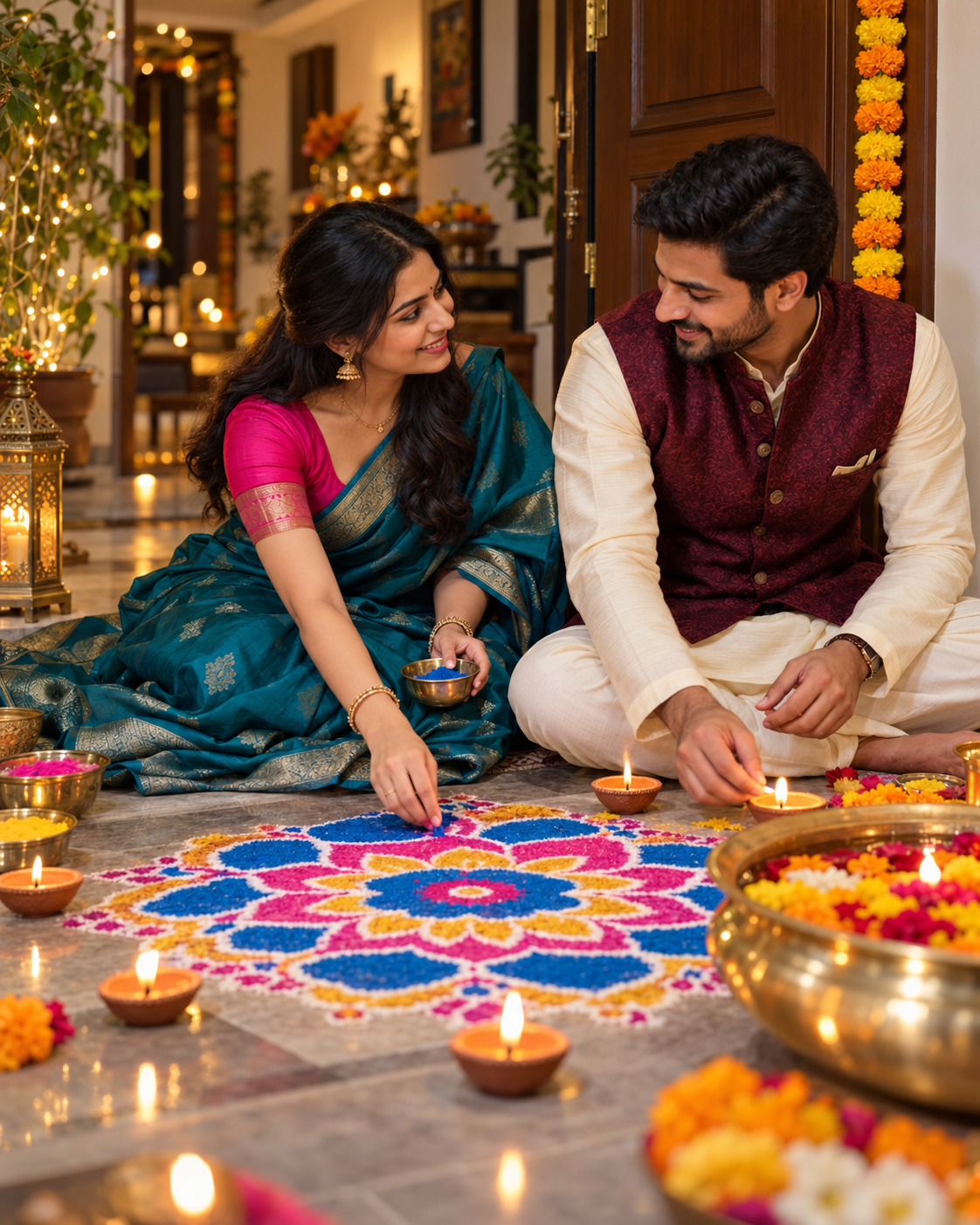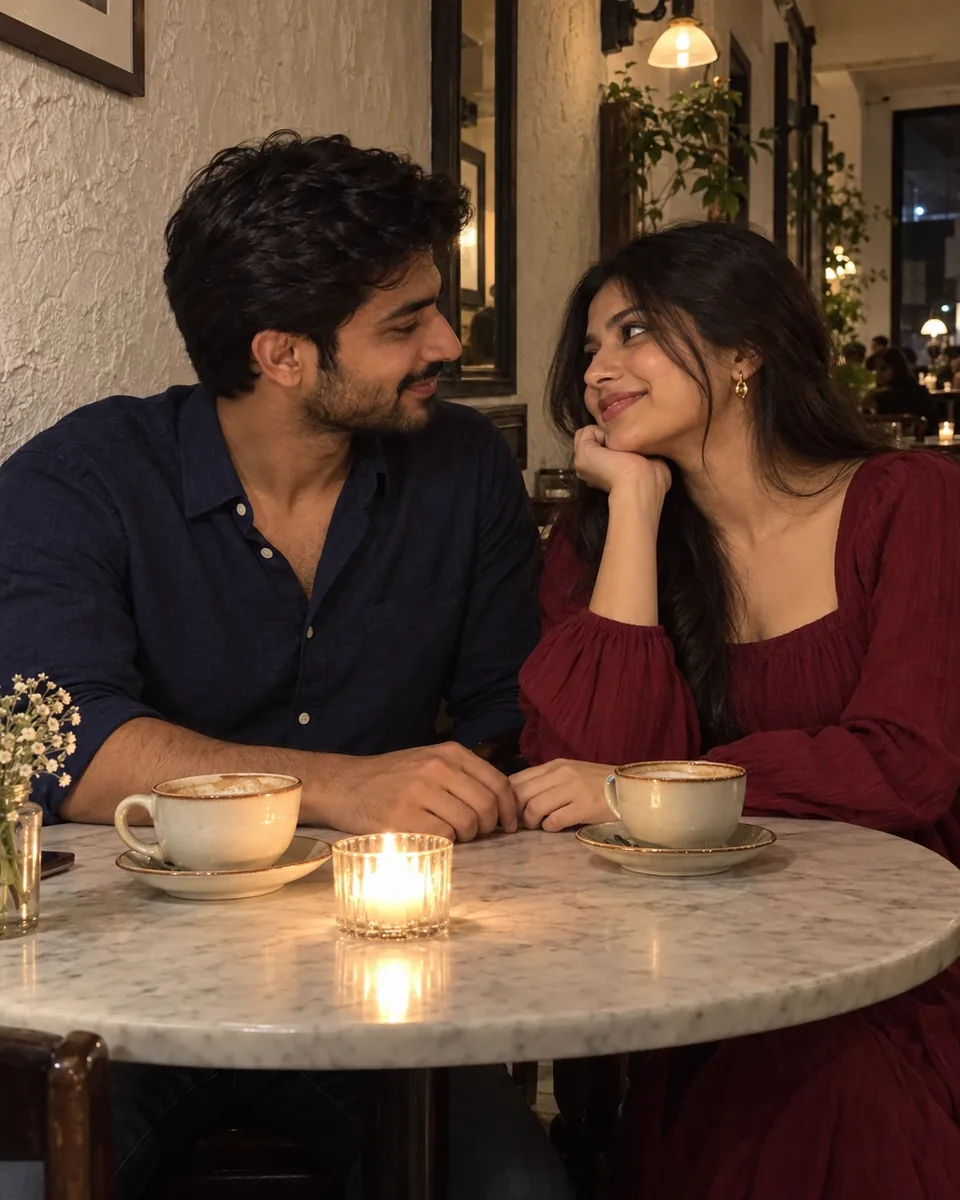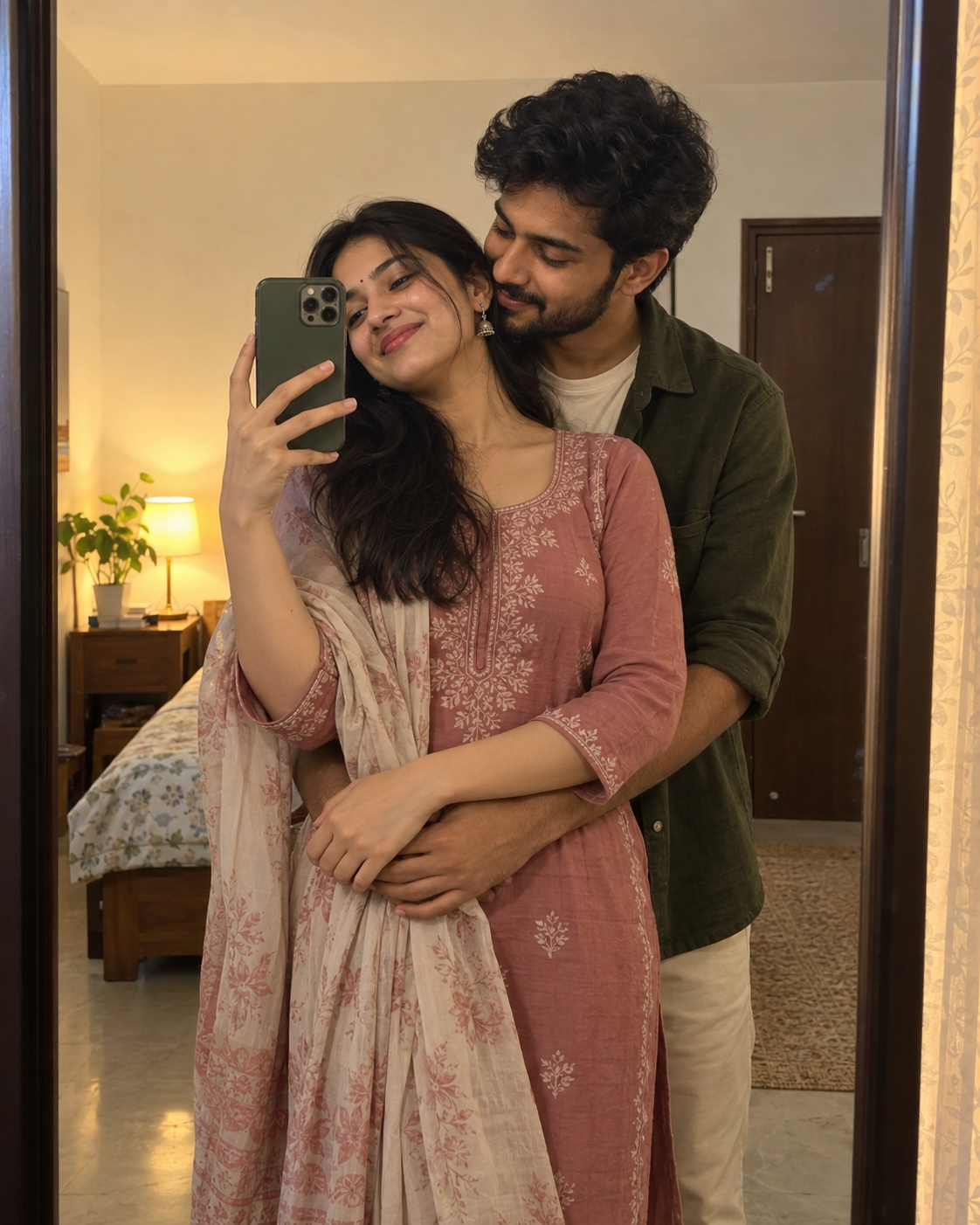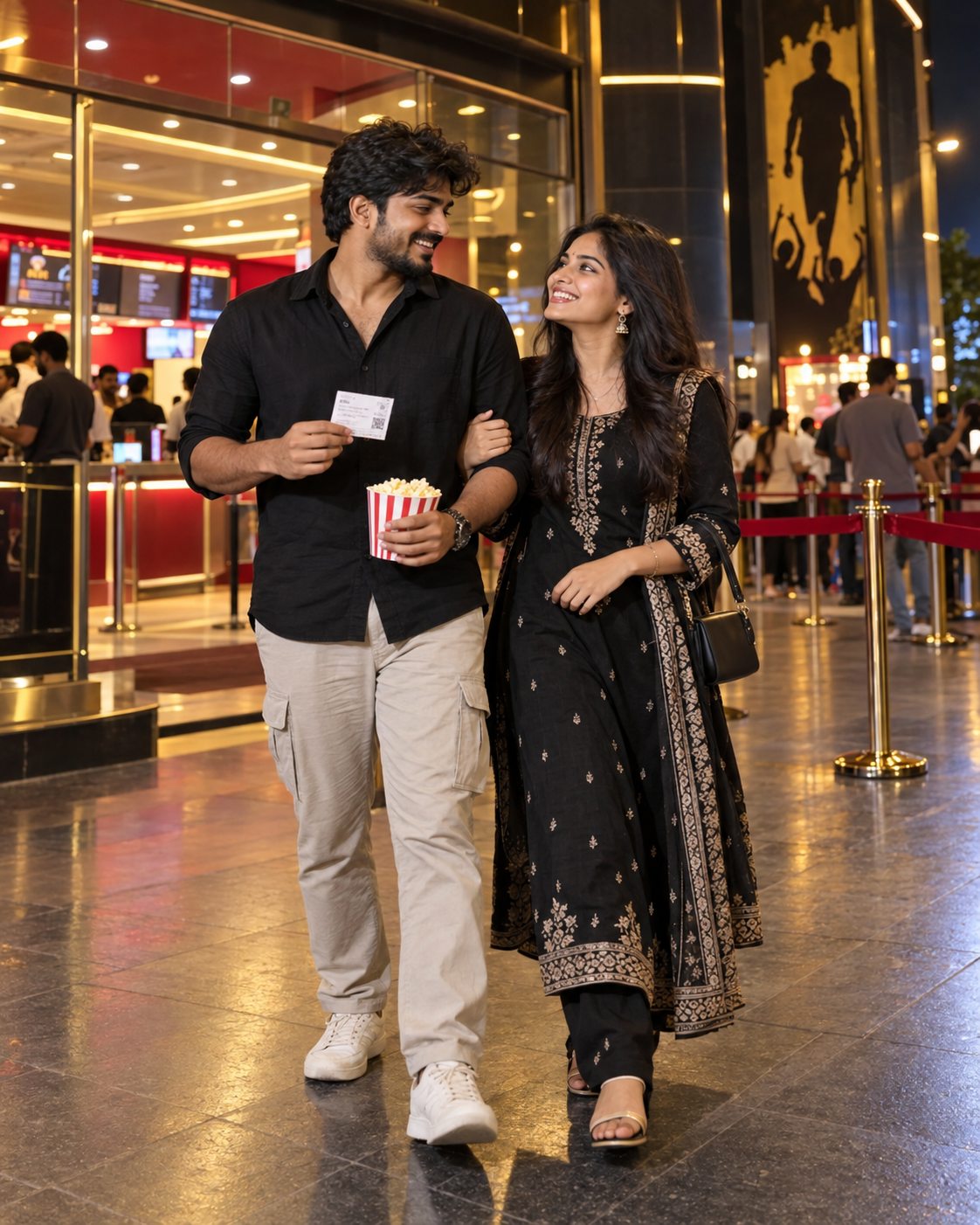
A movie night feels different when two people leave the theatre still talking about the best scene. This Jailer 2 cinema hall couple AI photo prompt turns that happy walk into a natural Indian cinema memory.
Copy the photo prompt
1. Walking Out With Tickets and Popcorn
Create a photorealistic 4:5 portrait of the same adult Indian couple from the uploaded reference photo, walking out of a modern Indian cinema hall at night after a movie. Give the scene a subtle Jailer 2 release-night fan energy without showing any official poster, logo or actor. The man wears a relaxed black cotton shirt, light beige trousers and clean white sneakers. He is holding two small cinema tickets in one hand and a red-and-white popcorn tub in the other. The woman wears a black embroidered kurta with a matching dupatta, simple earrings and a small shoulder bag, holding his arm while looking up at him with a genuine smile. Show a warm cinema entrance behind them with glass doors, soft gold ceiling lights, a red ticket-counter glow, red velvet queue ropes and a few distant blurred people. Make it feel like they are discussing their favourite scene while leaving. Keep both identities, age, skin texture, hair, skin tone and body proportions natural and consistent with the reference. Make the ticket paper and popcorn look realistic, keep both feet on the reflective floor, and use believable night shadows. No official movie poster, no actor likeness, no cinema brand logo, no readable fake text, no extra people in focus, no extra fingers, no duplicate tickets, no warped popcorn tub, no plastic skin, no over-beautifying and no watermark.Example: Generated with ChatGPT image generation using fictional adult models. Ratio: 4:5 portrait. Your result can change with the reference photo and the image tool.
How to use this prompt
Open ChatGPT or your preferred image tool and upload one clear photo of the couple. Choose a photo where both faces are visible and the light is even. Paste the complete prompt in one go, then add the reference image. Do not remove the words about natural identity, because they help the tool keep the couple recognisable.
Keep the cinema scene believable
A cinema entrance can become messy when the prompt asks for too many signs or people. Keep the background soft and let the couple stay sharp. The warm gold lights, glass doors and red queue ropes give enough cinema detail without taking attention away from the faces. If the tool adds a strange poster, generate again and repeat “no poster, no logo and no readable text.”
Protect the couple’s faces
Face changes usually happen when the reference is small, dark or full of filters. Use a front-facing or three-quarter photo with good resolution. If the smile looks different, ask for a gentle natural smile instead of a wide model smile. Keep the age, skin texture, hairstyle and body proportions in the prompt; these small details make the result feel like a real memory.
Check the tickets and hands
Hands holding tickets and popcorn are the parts that need a quick check. Look for extra fingers, repeated tickets or a popcorn tub that bends into the shirt. If something is wrong, edit only that area and write: “keep the faces and clothes unchanged, fix the hands and make the two tickets separate.” Smaller edits usually work better than changing the whole scene.
Make your version
You can change the black outfits to a denim jacket and a soft cotton dress, or replace the popcorn with a paper cup of chai for a more local movie-night feel. For a vertical Instagram post, keep the 4:5 ratio. Before you start, read the official Images in ChatGPT guide for image uploads and edits. Save the first good result, then make small changes instead of starting from zero.
More photo prompts
If you want another couple memory with a softer mood, try this romantic rooftop couple AI photo prompt. For more ideas made for two people, browse the couple photo prompt collection.