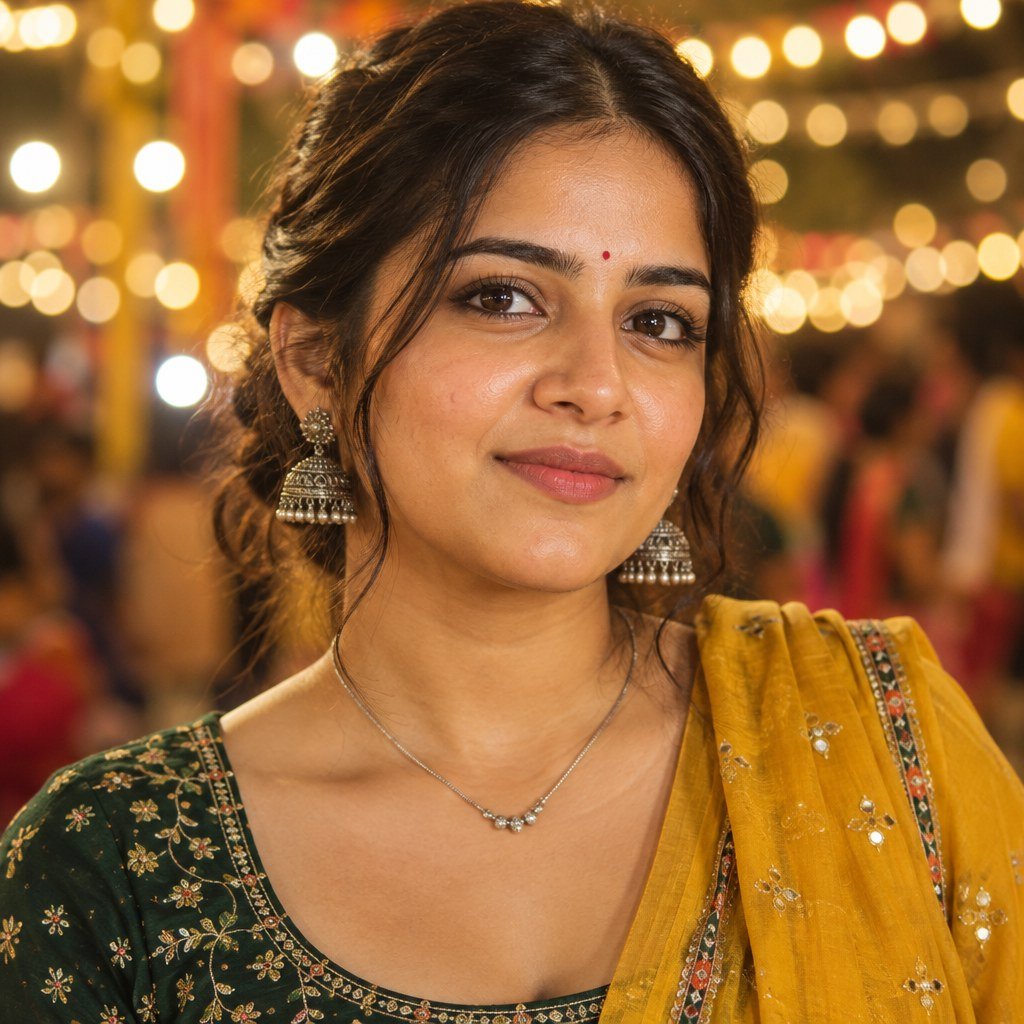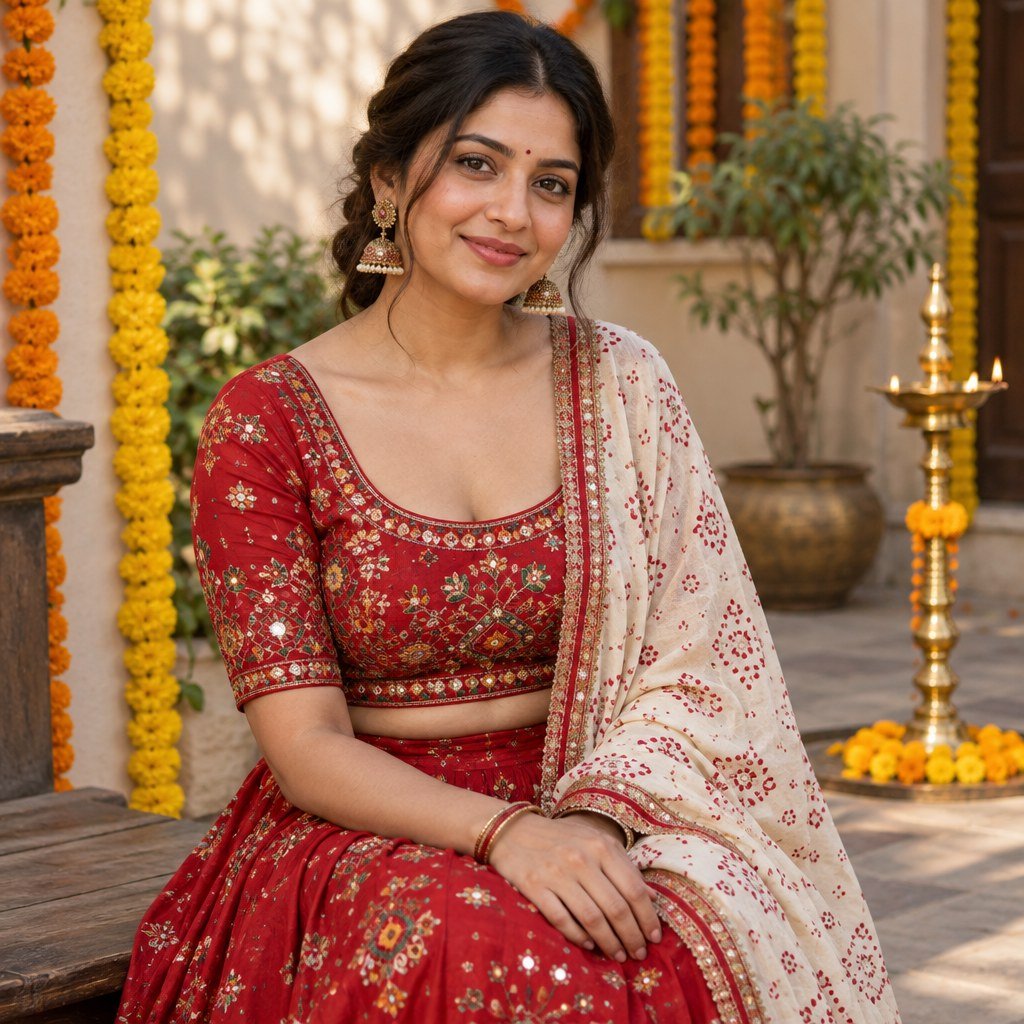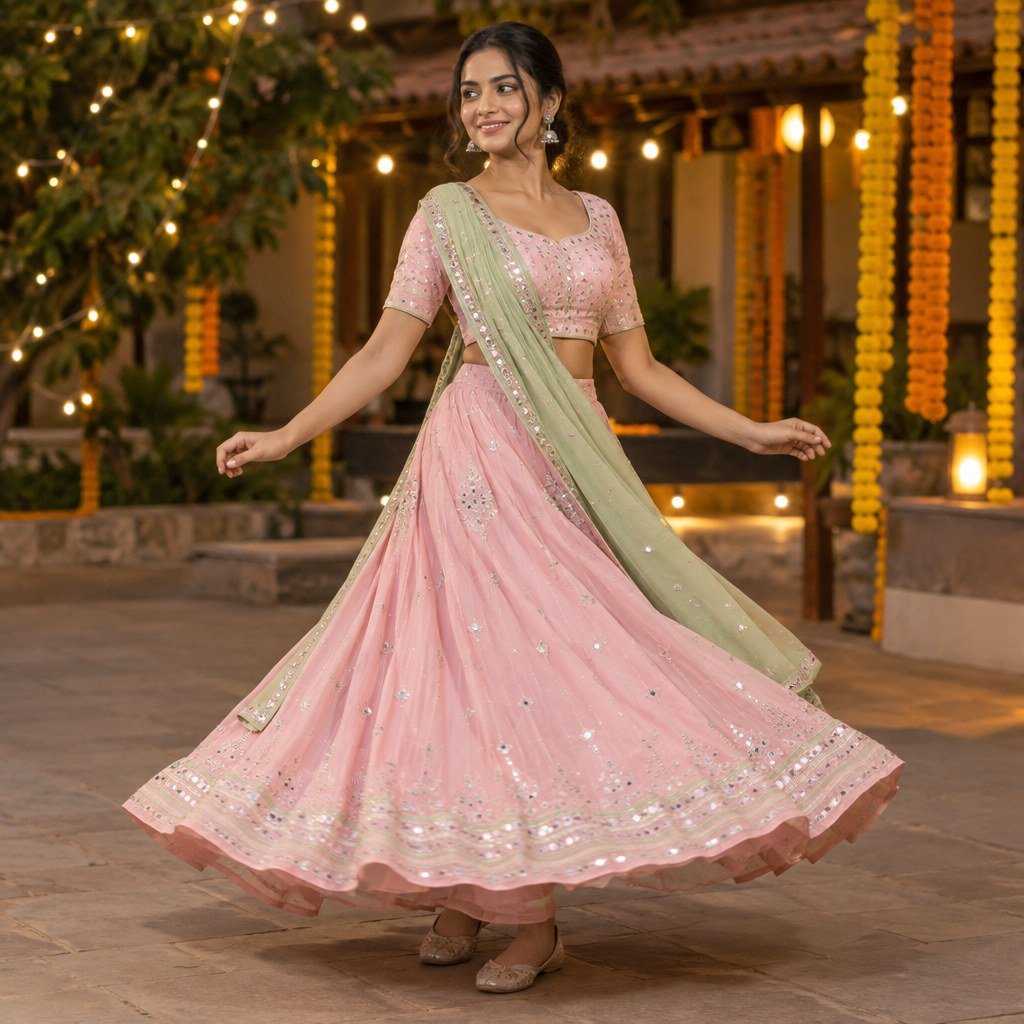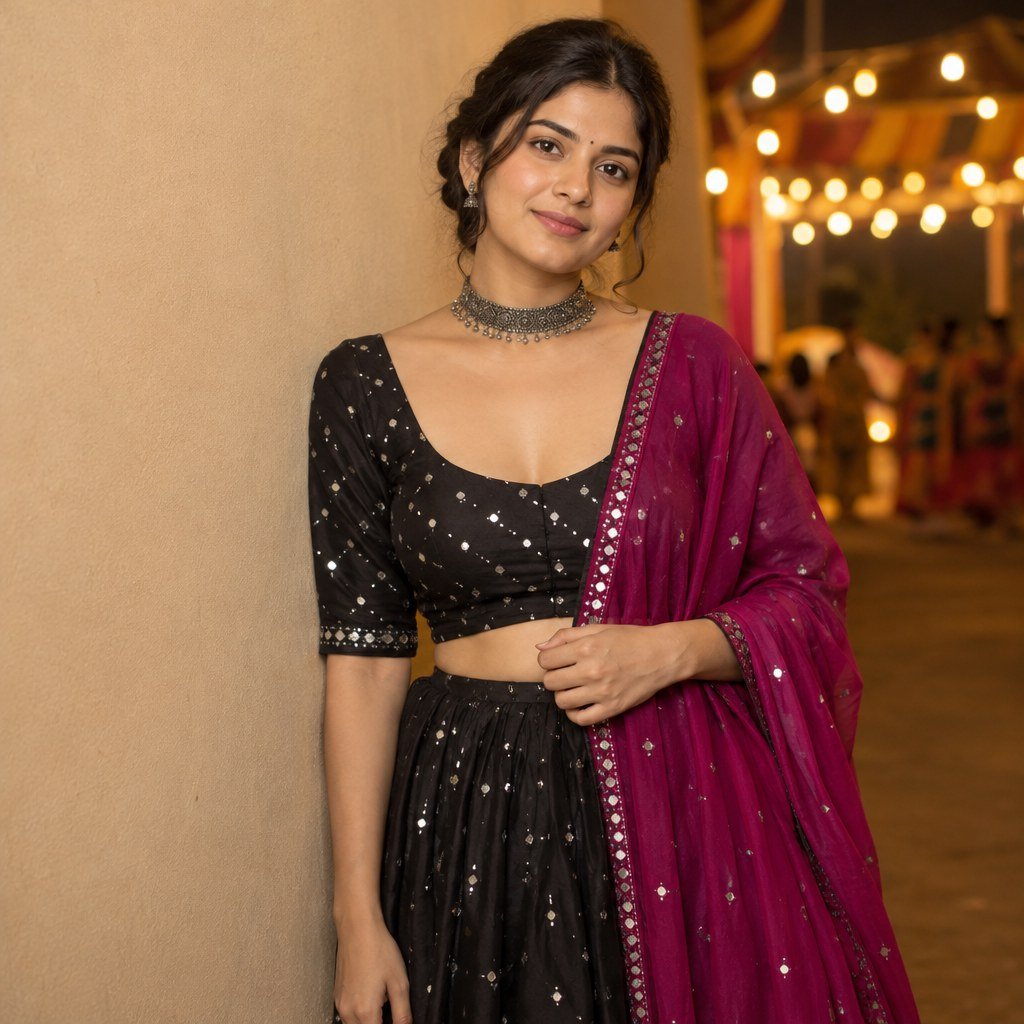
Last week I was scrolling Instagram and saw two sisters posing together with the same matching outfit and same dreamy lighting. The comments were full of people asking where this was shot. I knew it was AI the moment I saw the skin looked a little too perfect.
Product Link: Click Here
The Real Problem
A sister photo is different from a normal couple or solo prompt. Two faces need to look natural at the same time, and most basic prompts only focus on one face properly.
When I tried a simple prompt like two sisters standing together, the AI gave equal attention to neither face. One sister looked sharp, the other looked slightly blurred and different from her real photo.
What I Noticed After Testing
I noticed that mentioning both reference photos clearly inside the prompt gave much better identity matching for both faces. What surprised me was that adding a small action between them, like one sister laughing at something the other said, made the whole photo feel more real instead of posed.
One thing I did not expect was that my first long prompt made both faces look a little too smooth, almost plastic, especially around the cheeks.
The Prompts: Gemini AI Sister Photo Prompt
1. Easy Laughing Moment
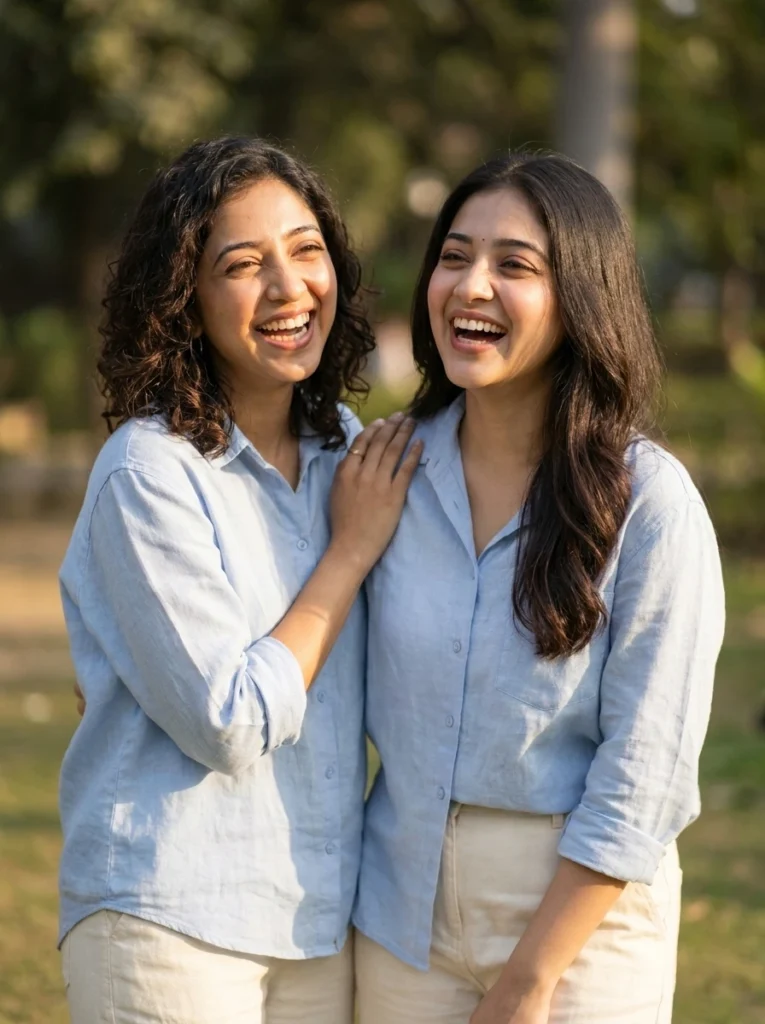
Ultra realistic candid sister photo AI prompt for girls, two sisters standing close together outdoors laughing at something, IMAGE RATIO 4:5, use the uploaded photos as identity reference for both individuals, preserve exact facial features and bone structure for both, no artificial face replacement, natural Indian wheatish skin tone with visible pores and realistic skin texture, no cartoon, no animation, no 3D, no illustration style, wearing casual matching pastel outfits, one sister has her hand on the other's shoulder, genuine laughing expression on both faces, soft park background with greenery softly blurred, warm afternoon sunlight from the side, joyful relaxed mood, DSLR camera 85mm lens, f1.8, shallow depth of field, background softly blurred, ultra realistic, photorealistic, high resolutionThis was the prompt where I had a small problem. My first attempt made both faces look too smooth, almost like wax. I added visible pores and realistic skin texture more strongly and the second try looked much better.
2. Festival Saree Sisters
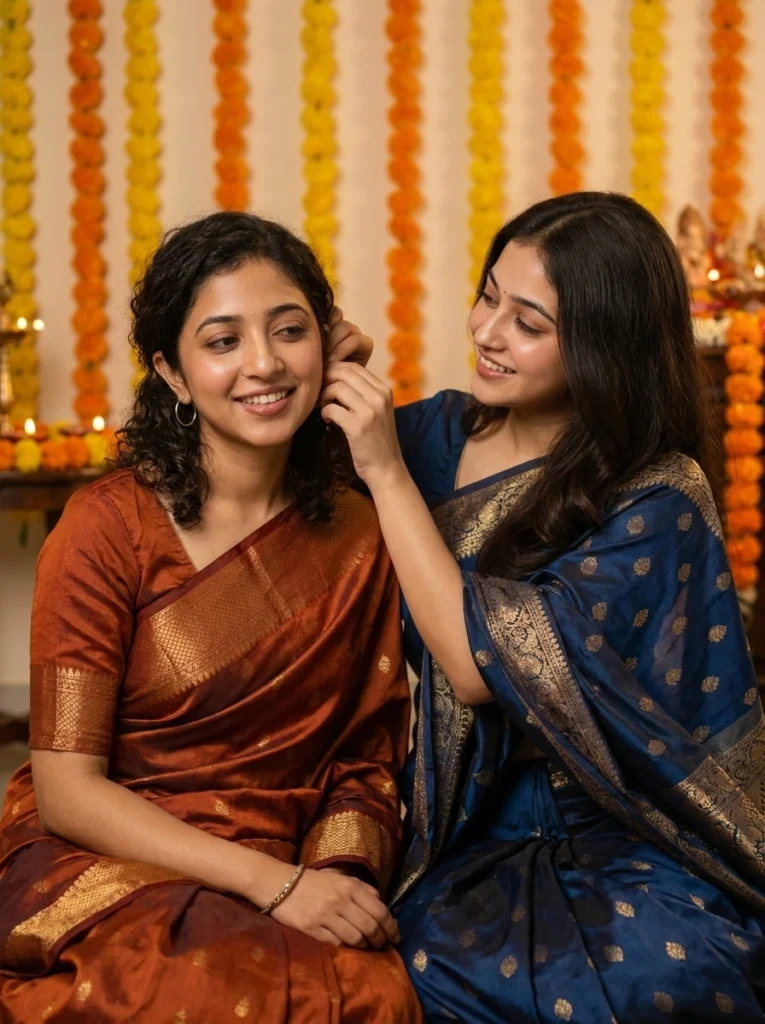
Ultra realistic festive sister photo AI prompt for girls, two sisters sitting together during a festival celebration, IMAGE RATIO 4:5, use the uploaded photos as identity reference for both individuals, preserve exact facial features and bone structure for both, no artificial face replacement, natural Indian dusky and wheatish skin tones with visible pores and realistic skin texture, no cartoon, no animation, no 3D, no illustration style, both wearing traditional silk sarees in complementing colors, one sister adjusting the other's earring affectionately, background shows a home decorated with marigold flowers softly blurred, warm golden indoor lighting, emotional festive bonding mood, DSLR camera 85mm lens, f1.8, shallow depth of field, background softly blurred, ultra realistic, photorealistic, high resolutionThis one gave me a beautiful emotional result. The small gesture of adjusting the earring made it feel like a real moment, not a posed shot.
3. Childhood Memory Recreation
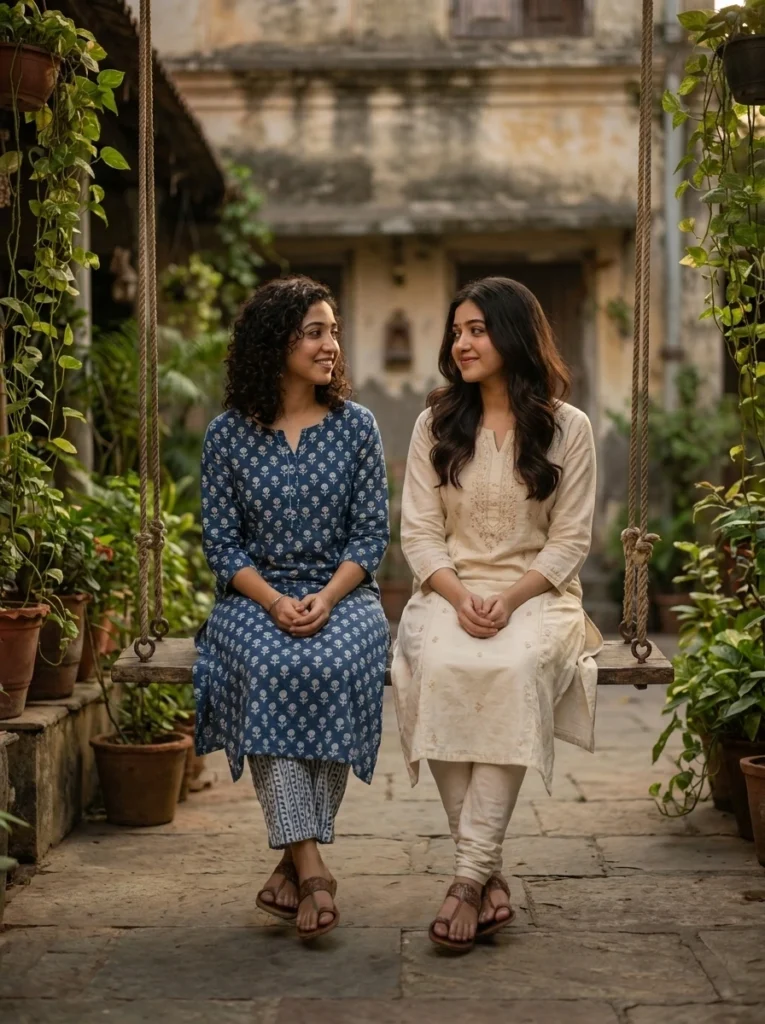
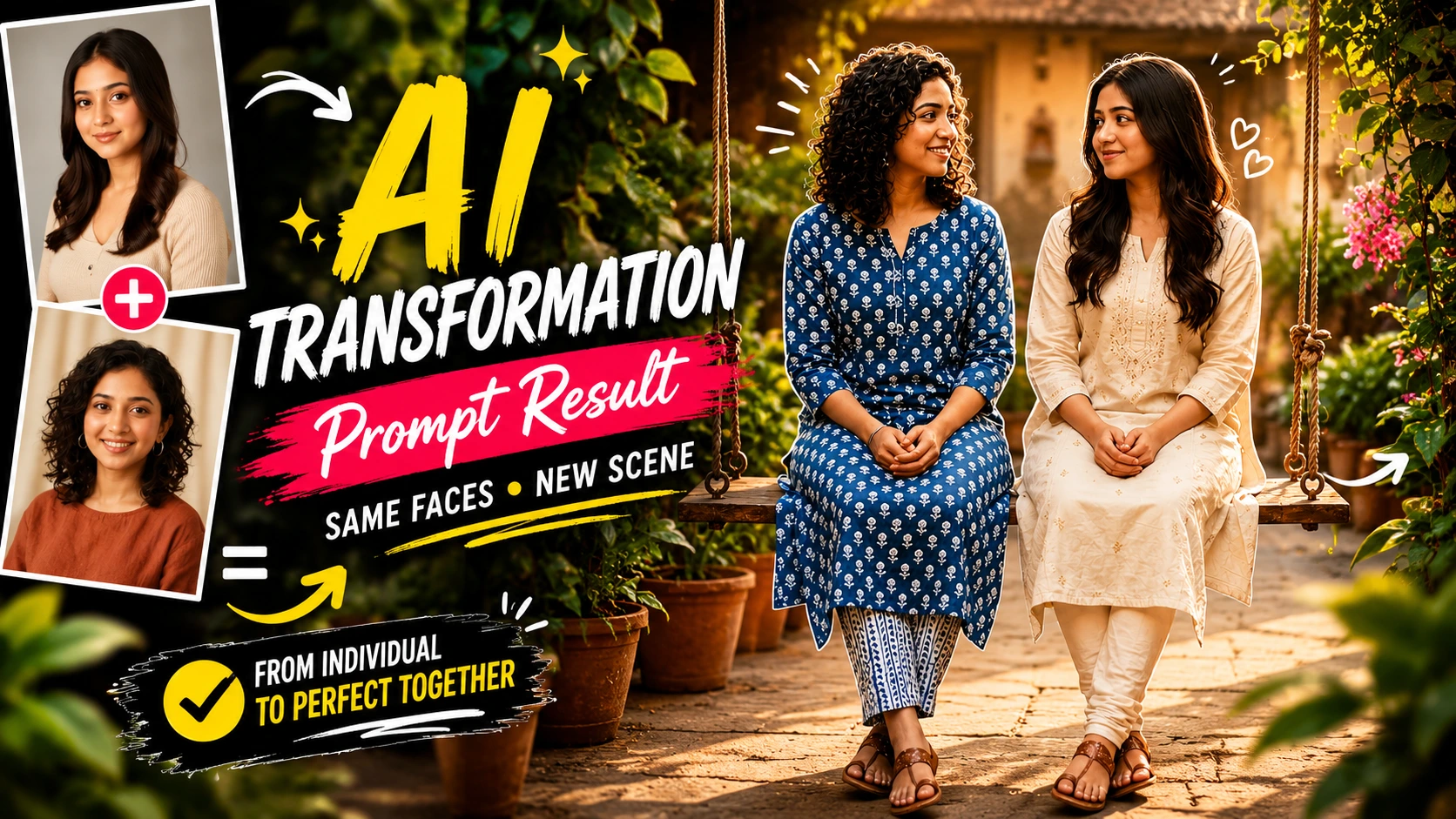
Ultra realistic nostalgic sister photo AI prompt for girls, two sisters sitting on a swing together in an old family courtyard, IMAGE RATIO 4:5, use the uploaded photos as identity reference for both individuals, preserve exact facial features and bone structure for both, no artificial face replacement, natural Indian fair and wheatish skin tones with visible pores and realistic skin texture, no cartoon, no animation, no 3D, no illustration style, wearing simple cotton kurta sets, gentle smiles while looking at each other, background shows an old house with plants softly blurred, soft warm evening light, nostalgic peaceful childhood mood, DSLR camera 50mm lens, f2.0, shallow depth of field, background softly blurred, ultra realistic, photorealistic, high resolutionThis prompt reminded me of old family photos from years ago. The swing detail added a nostalgic touch that regular standing poses do not have.
How To Use These Prompts
First, open Gemini on your phone or computer.
Second, upload clear front facing photos of both sisters.
Third, copy any prompt from above and paste it in the chat box.
Fourth, wait a few seconds for the image to generate.
Fifth, if a face looks slightly off, mention preserve exact facial features more strongly and try again.
Common Mistakes
Many people use only one reference photo for two people, which confuses the AI completely. Some skip mentioning skin texture, which makes both faces look unnaturally smooth. People also forget to add an action or gesture, which makes the photo look stiff and posed.
FAQ: Gemini AI Sister Photo Prompt
Can I use this with childhood photos of myself and my sister? Yes, as long as the faces are clear, old or new photos both work.
Will both faces stay accurate? Yes, if you upload two clear photos and mention identity reference for both individuals.
Does this work for more than two sisters? Yes, you can add a third reference photo and mention three sisters in the prompt.
Why did one face come out better than the other? This usually happens if one reference photo was darker or blurrier than the other. Use similar quality photos for both.
That reel I saw on Instagram is still saved on my phone, but honestly the festival saree prompt result looked even warmer than what I originally wanted to recreate.
Related Prompt:
- 30 Gemini AI Saree Prompt for Realistic Photos (Copy and Paste)
- Dark Moody Gym AI Photo Prompt, Early Morning Grind Aesthetic
- Couple on Railway Platform in Rain AI Photo Prompt for Gemini
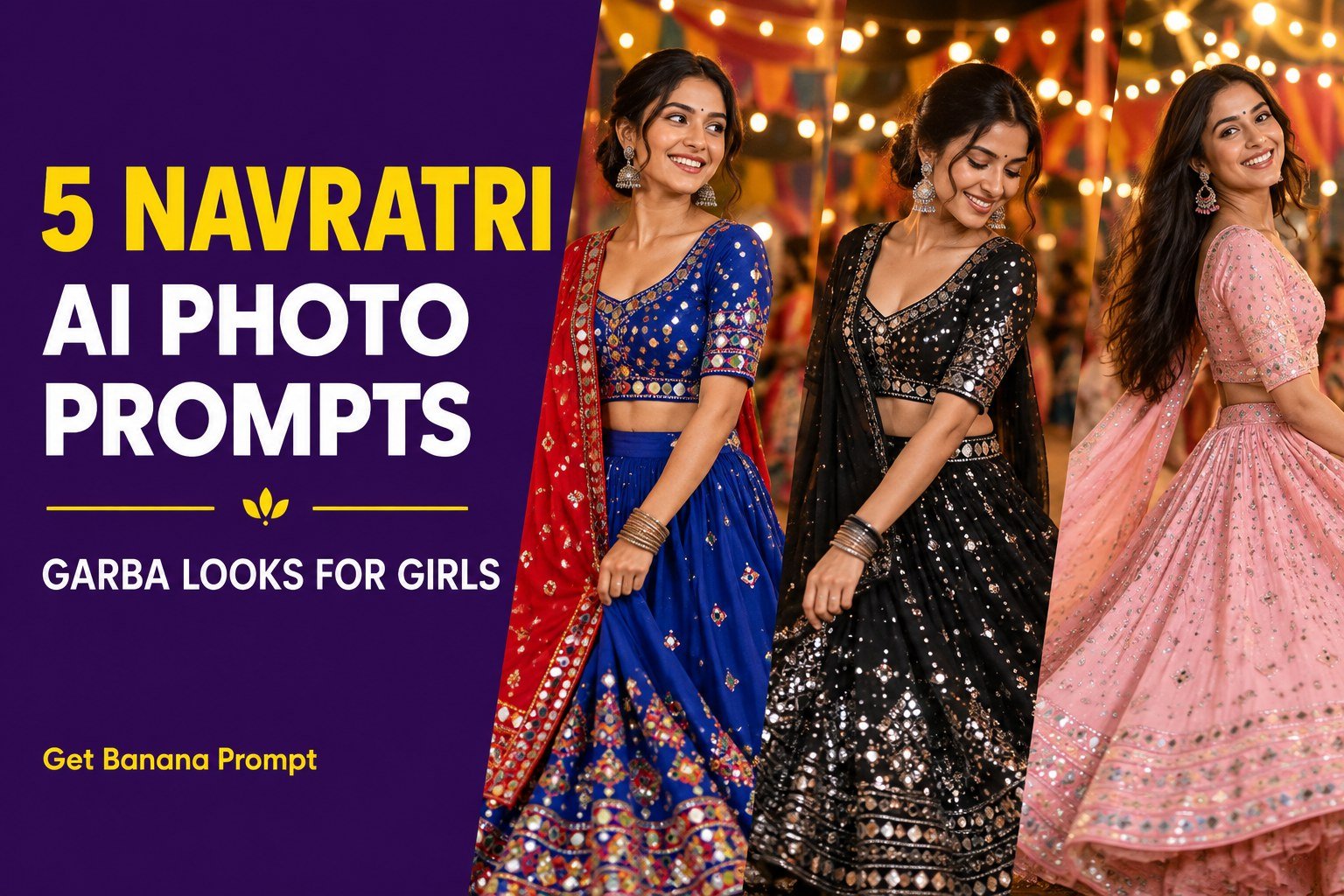
Want a solo photo before the Garba evening?
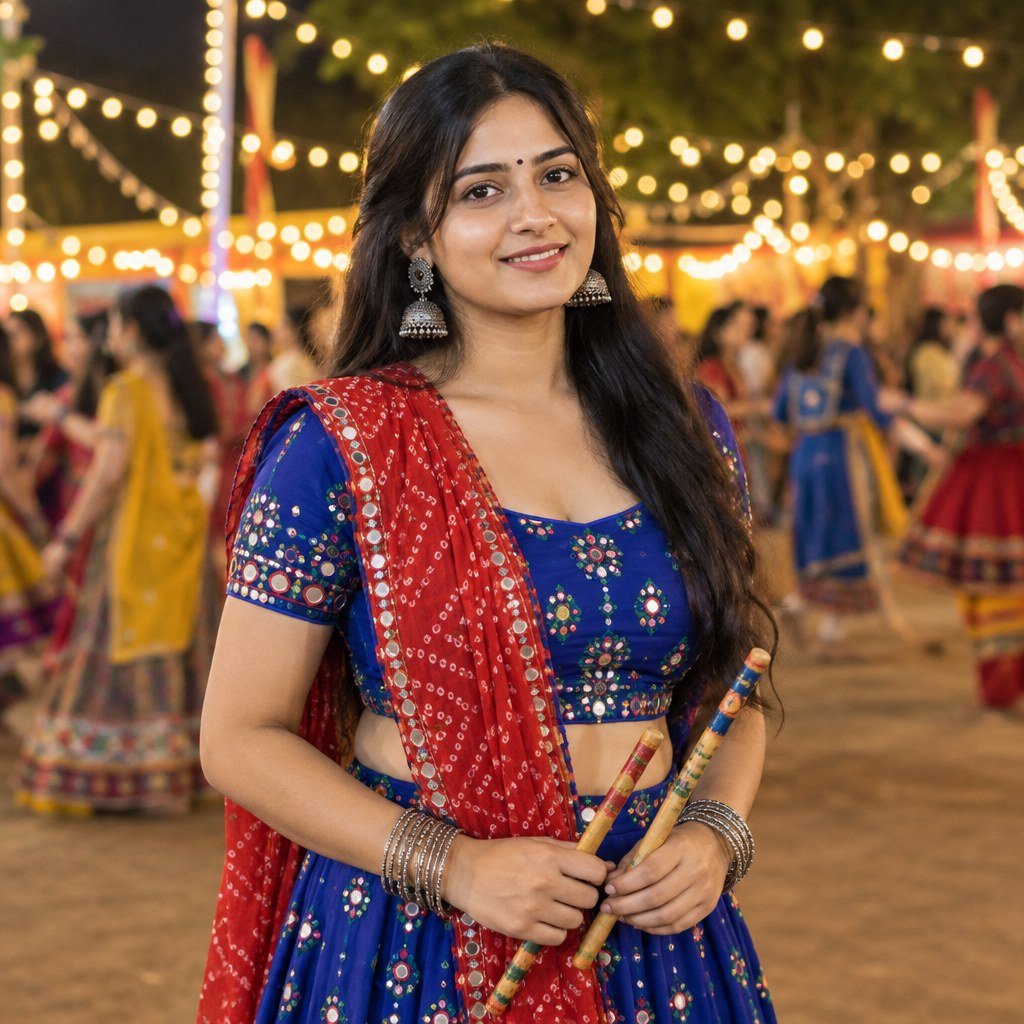
After your picture together, you may want a separate outfit portrait too. The Navratri photo guide includes five solo looks. For a still pose with both hands visible, use the royal-blue Garba prompt with dandiya sticks. These are single-person prompts; use a separate reference photo for each sister.