
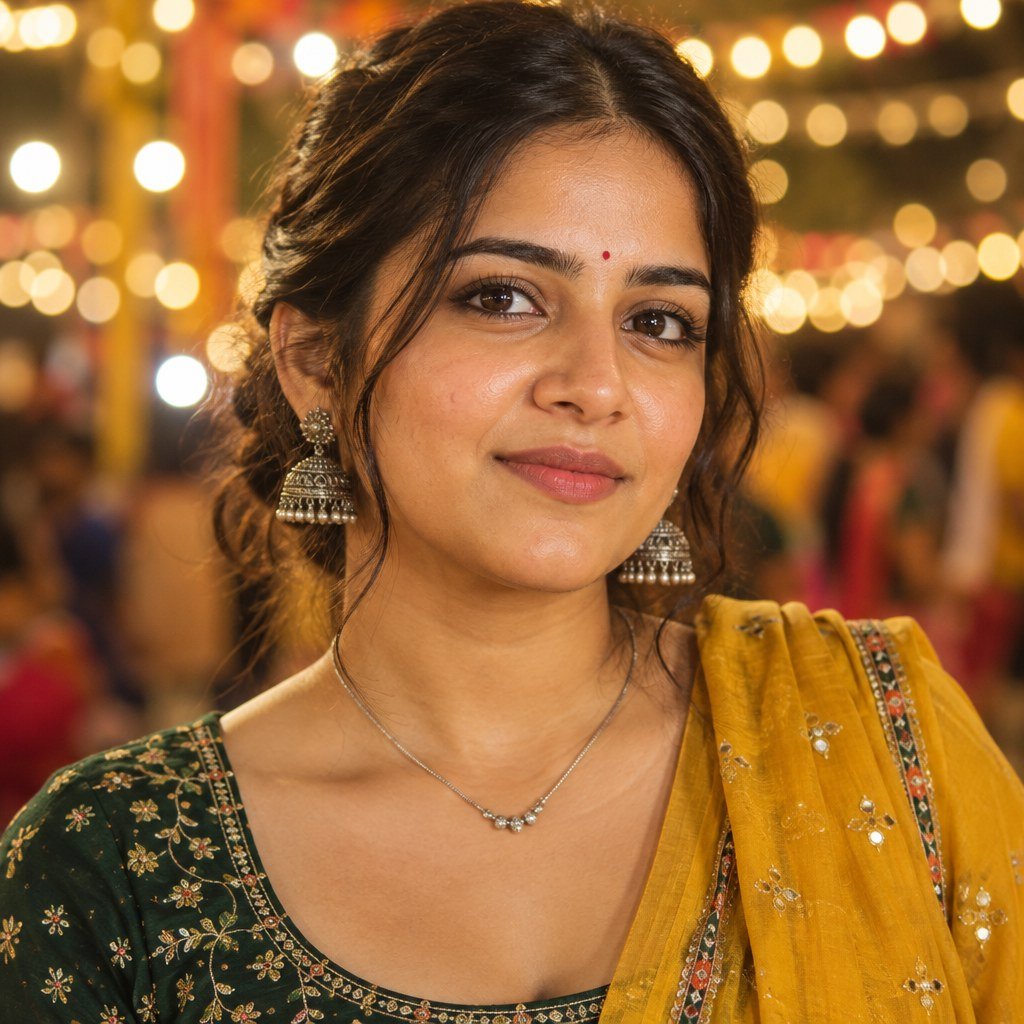
Sometimes you do not need the whole outfit in the photo. The small bindi, silver jhumkas and warm lights behind you already say Navratri. This bottle green Navratri photo prompt keeps the frame close, with the face and jewellery doing most of the work.
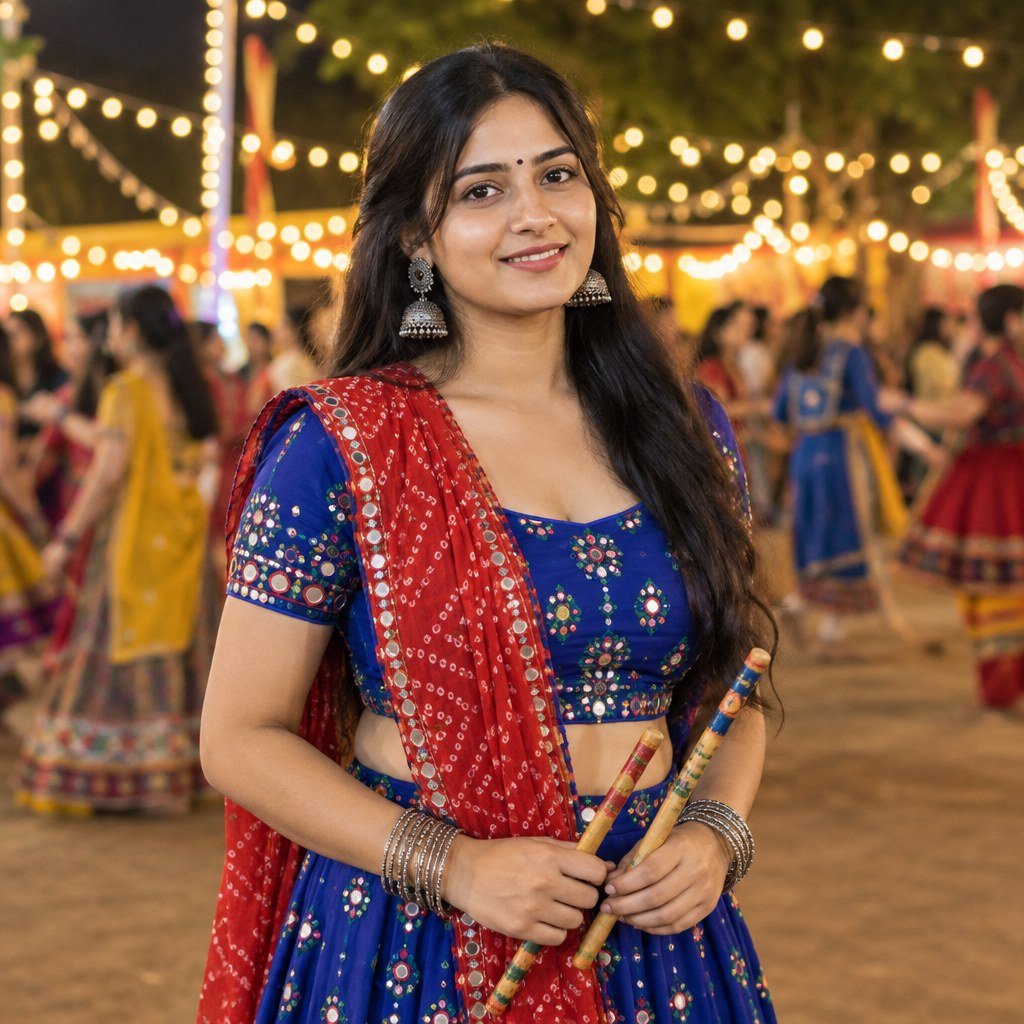
The featured picture was generated with an original adult model. It shows the intended colour combination and crop. For a personal edit, attach a clear reference of yourself. The face-preservation instruction guides the tool but cannot guarantee an exact match.
Copy the green Navratri close-up prompt
Create a realistic vertical 4:5 close-up Navratri portrait of an adult Indian woman wearing a bottle-green embroidered blouse and a mustard-yellow dupatta. If a reference photo is attached, keep her facial features, age, skin tone and hairstyle recognisable; otherwise create an original adult model. Add a small red bindi, oxidised silver jhumkas and a simple silver necklace. She looks slightly past the camera with a quiet smile. Keep her hands outside the frame. Warm light from the front-left, blurred Garba lights behind her, sharp eyes, realistic skin pores and fine fabric texture. Frame from the upper chest upwards. No text or watermark.Use a clear portrait as your reference
A head-and-shoulders photo is enough for this look. Choose one with sharp eyes, even light and no sunglasses. If one side of the face is in a deep shadow, the tool may have to guess details that are missing.
Keep the hairstyle visible if you want to preserve it. A plain background is useful, but not essential. The final prompt replaces it with softly blurred Garba lights. Avoid using a reference with a heavy beauty filter if your aim is a natural portrait.
Create the photo and check the face first
Open an image tool that accepts a reference photo. Upload your portrait and paste the complete prompt. After generation, compare the eyes, nose, jaw and skin tone with your reference before adjusting the clothes or jewellery.
This example used an OpenAI image model. If you are making the edit in Gemini, read Google’s official image editing guide for the upload process. Tools may handle the same reference differently. The example preview is square; choose a vertical 4:5 output if you want the frame requested in the prompt.
Let the green and yellow frame the face
Bottle green gives the portrait a deep base colour, while the mustard dupatta adds a warm edge near the shoulders. If both colours look too strong, ask for softer fabric colours while leaving the skin tone unchanged. Avoid applying a yellow filter to the whole image.
The upper-chest crop should still show a little blouse embroidery and part of the dupatta. If the crop is too tight, the jewellery can feel crowded. Ask for a little more space around the head and shoulders.
Look closely at earrings and the bindi
AI tools can create two different earrings or merge a jhumka into the hair. Check both sides of the face. If one earring is unclear, ask for matching silver jhumkas with a clean outline against the hair. Do not add more jewellery until those details look right.
The bindi should sit naturally between the eyebrows. If it becomes a large decorative mark, ask for a small plain red bindi. The prompt keeps hands outside the frame, which avoids distracting fingers near the face.
Keep skin texture and soft light
If the face looks waxy, ask for natural skin texture and less smoothing. Avoid phrases such as “flawless skin” when you want a realistic portrait. Warm front-left light should leave gentle shadows rather than a hard bright patch on the forehead.
Try one correction at a time. If you ask for a new expression, different jewellery and stronger light together, it becomes harder to spot why the face changed. Keep the reference attached and repeat the instruction to preserve the original age and facial proportions.
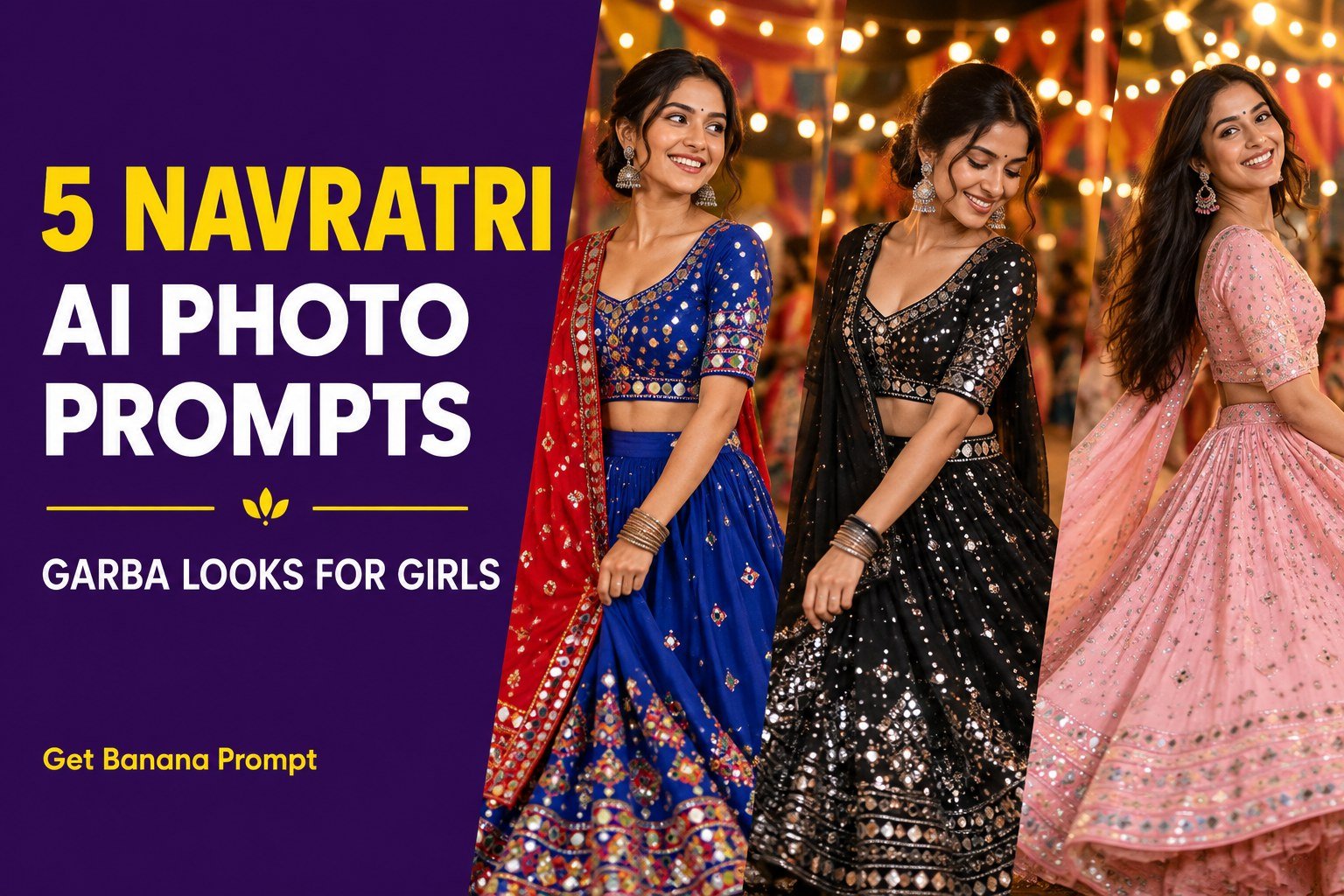
For full outfit inspiration, see our five-look Navratri guide. Try the royal blue dandiya portrait if you prefer a wider standing pose.


1 thought on “Bottle Green Navratri Close-Up Photo Prompt for Girls”